Some links on this page are affiliate links. If you buy through them we may earn a commission; our scoring is independent of that.
Moving WhatsApp between phones is a different job from moving contacts. The chat database is encrypted, tied to a phone number, and stored in an app sandbox that iOS does not expose to third-party tools. That is why the general transfer tools sell WhatsApp as an add-on, and why four vendors sell standalone products for it.
This page covers those products. All four are scored on documented coverage, licence terms and the state they leave the target phone in, with prices taken from each vendor’s own store on 11 November 2026. None has been through our Windows bench yet — where a claim is the vendor's, we say so.
What has to be true before any of them work
Three preconditions decide whether a WhatsApp migration succeeds, regardless of which tool you buy:
- The same phone number must activate the account on the new phone. A new number means a new account, not a migration.
- The target must be a clean install. WhatsApp must be installed and not opened. Opening it starts a fresh database and destroys the transfer path.
- The old phone must stay reachable for the verification code, ideally on Wi-Fi.
Get those wrong and the best tool on this page fails. Get them right and even a mediocre one works.
The four products
| Product | Platforms | Documented coverage | Price | Score |
|---|---|---|---|---|
| iMyFone iMyTrans | Windows, macOS | WhatsApp + WhatsApp Business, Android ↔ iOS | $29.99 (list $49.99) | 8.2 |
| Aiseesoft FoneLab WhatsApp Transfer | Windows | WhatsApp, iOS-focused | $24.95 ($12.45 on sale) | 7.9 |
| EaseUS ChatTrans | Windows, macOS | WhatsApp, WhatsApp Business, line-by-line preview | $39.95/mo · $59.95/yr | 7.7 |
| Tenorshare iCareFone Transfer | Windows, macOS | WhatsApp, WhatsApp Business, GBWhatsApp | $19.95/mo · $49.95 lifetime | 7.6 |
iMyFone iMyTrans
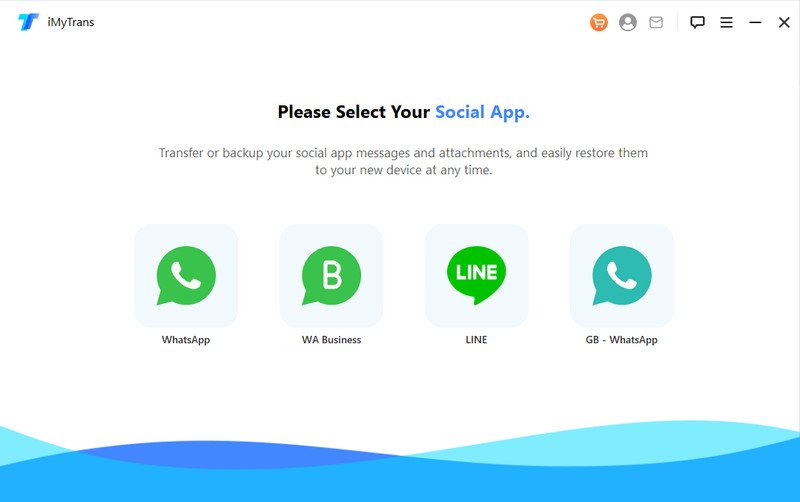
The broadest of the four. Both desktop platforms, both directions, and WhatsApp Business treated as a separate target rather than an afterthought. It can transfer, back up and restore chat history, and it can merge an old chat database into a new one instead of replacing it.
The practical advantage is the merge mode: if you have already started using the new phone, merging keeps the new messages and appends the old ones. Replacing is cleaner, but most people do not have a clean target by the time they get around to this.
Weak point: interface density and a licence that renews quietly. Verify the renewal terms at purchase.
Price: $29.99 on iMyFone's own store, against a $49.99 list. The store card does not state the billing period, so confirm whether you are buying a month or a perpetual licence at checkout — this is the one licence on the page where the term is genuinely unclear.
Download for Windows · Download for Mac
Aiseesoft FoneLab WhatsApp Transfer
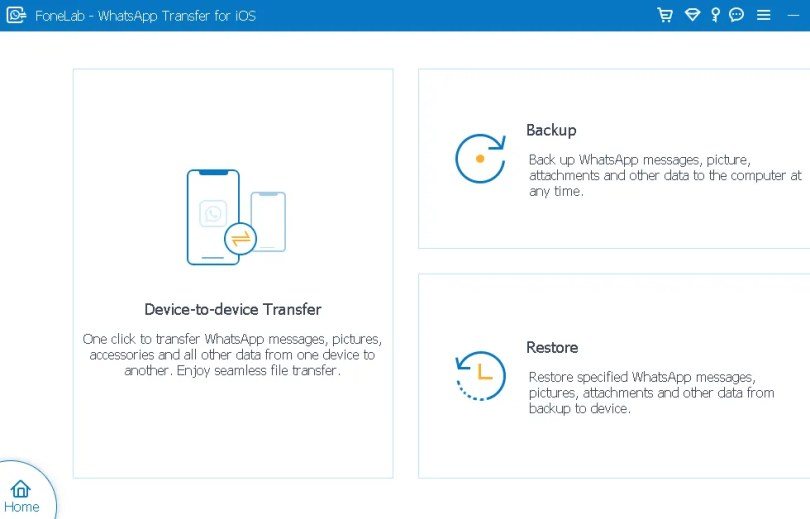
An iOS-first product: it backs up WhatsApp from an iPhone, allows previewing and exporting chats, and restores into an iPhone or, where supported, into an Android device. The preview-and-export side is stronger than its migration side — if you mainly need a readable archive of a chat thread, this does that well.
Weak point: Android as a destination is the weaker path, and the app's feature set is split across tiers. Read the licence table before assuming transfer is included.
Price: $24.95 on Aiseesoft's store, discounted to $12.45 when we checked on 11 November 2026. The transfer feature sits in the paid licence; the store card is the only place the tier split is stated.
EaseUS ChatTrans
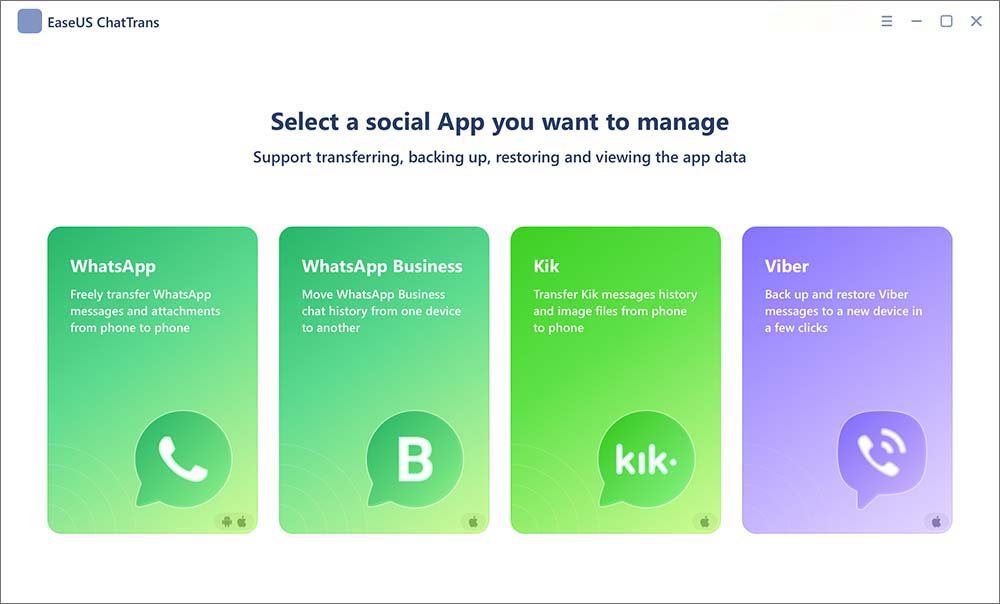
The most transparent interface of the four: chats are listed per contact with message counts before you commit, and the transfer runs against that selection. It covers WhatsApp and WhatsApp Business, with backup and restore alongside transfer.
Weak point: subscription-only pricing and a smaller documented device list than iMyTrans. The preview is good enough that you will notice what it cannot see — deleted messages and media that never synced to the phone.
Price: $39.95 a month, $59.95 a year, or $69.95 for lifetime upgrades, per EaseUS's product page on 11 November 2026. No perpetual licence that leaves the subscription behind.
Tenorshare iCareFone Transfer
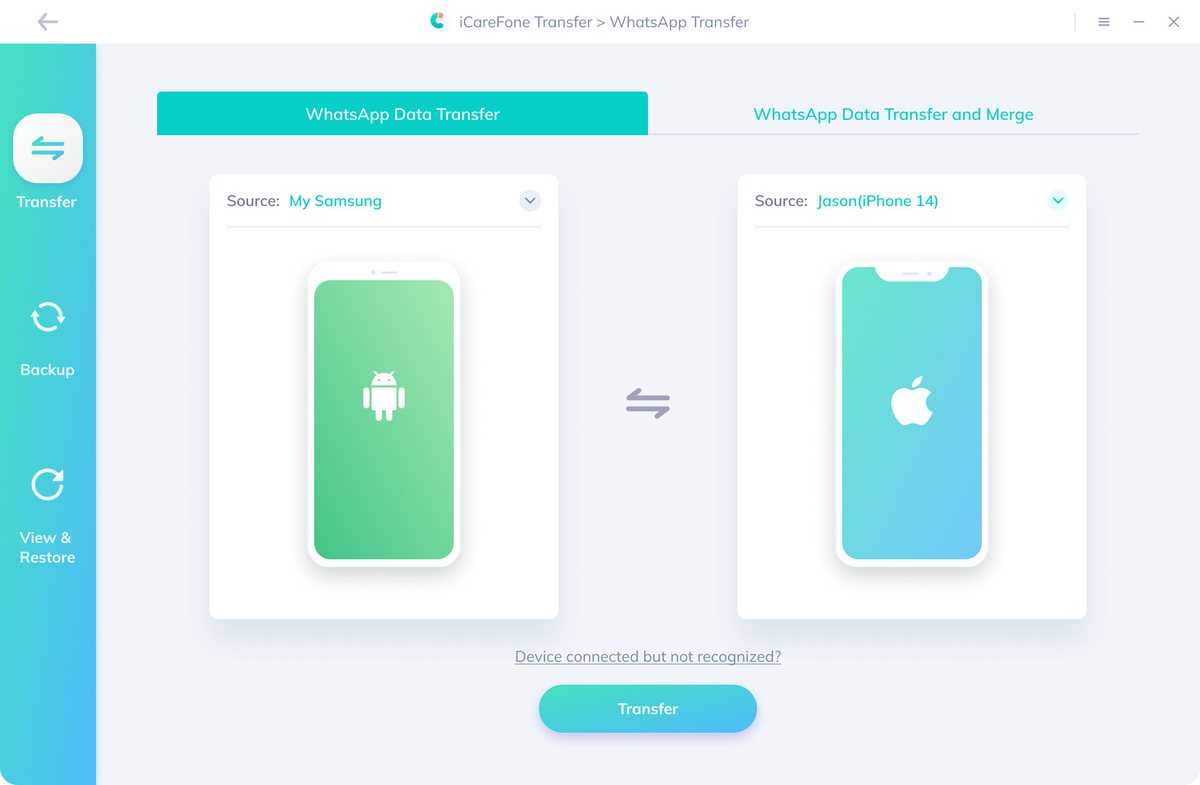
A focused WhatsApp tool with backup, restore and transfer, including Google Drive and iCloud restore paths, and support for GBWhatsApp as well as the official clients. Its licence is the most explicit of the four: one PC, five mobile devices.
Weak point: it is a second purchase if you already own iCareFone, and the 7-day refund window is the shortest here.
Price: $19.95 a month against a $66.50 list, or $49.95 for a lifetime licence against $166.50, checked 11 November 2026. A separate purchase from iCareFone itself.
The free route, before you pay anyone
For iPhone → iPhone, WhatsApp's own Move to iOS-style chat transfer (in-app "Transfer chats" on iOS 15.4+ and Android 12+) covers most people at zero cost. For Android → Android, the in-app backup to Google Drive and restore on the new phone is free and reliable.
Pay for one of the four above when: you are crossing platforms, the free route has failed once, or you need a selective merge rather than a full replacement. Our WhatsApp guide walks through both free routes step by step.
App migration, which is a different product
If what you actually need is apps rather than chats, EaseUS AppMove moves installed apps between Android and iOS, including app data where the app supports export. It is not a WhatsApp tool and should not be bought as one.
How these scores were set
Documented coverage (40%), setup friction and failure recovery (25%), licence terms (20%), privacy handling (15%) — the same rubric as the rest of the site, described on how we test. Because none of these has been through our bench, scores here lean on documentation and are capped below the top of the main ranking. When a run happens, the result goes into the test log and the score moves.
FAQ
Can I transfer WhatsApp without the old phone?
Only from a backup — Google Drive on Android, iCloud on iPhone — and only into a device that has not yet activated WhatsApp. No tool can reconstruct chats from nothing.
Does WhatsApp Business work?
All four document it; iMyTrans and iCareFone Transfer document the widest client coverage.
Will media transfer, or only text?
Media moves where it is still present on the source device. Media that WhatsApp has already deleted from local storage is gone regardless of the tool.
Is the free in-app transfer enough?
For same-platform moves, usually yes. For cross-platform moves, it is the first thing to try and the first thing to fail.